

Knowledge Base




Searching in : Article
ID: AR03S01109
Applies to: NoMachine Client
Added on: 2021-03-01
Last Update: 2021-03-01
How to display the remote desktop in full-screen
When connecting via NoMachine, it is possible to send the session window to fullscreen on any of the supported operating sytem in two ways:
1) via the Connection menu.
-
- Open the NoMachine menu inside the session (Ctrl-Alt-0 or click on the page-peel at the top right corner of the window)
- - Click on 'Display', then click on 'Fullscreen' or simply click on the small button icon on the bottom of the menu panel. Clicking on the same icon exits fullscreen. This icon is present also at session startup in the welcome panels.
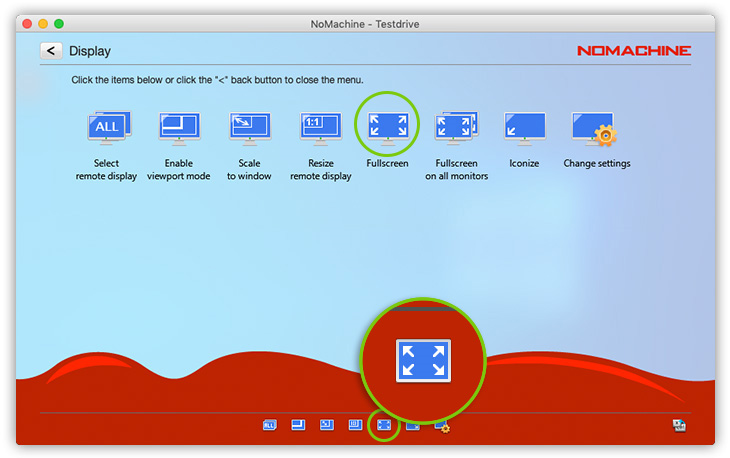
2) via the shortcut.
- - By default it is Control + Alt + F. This can be used to enter and exit fullscreen. This can be changed in the Player settings if necessary. Consult the following article for details on how to configure shortcuts https://www.nomachine.com/AR07P00990.